Manage Batches, Sessions, Assignments & Enrollments

Use Batch Management to review Course & Status, Sessions, Assignments, and Enrollments. Select a course and batch to view its monthly calendar, manage session timings, and coordinate with instructors.

Batch Management Session Management Scheduling Conflicts
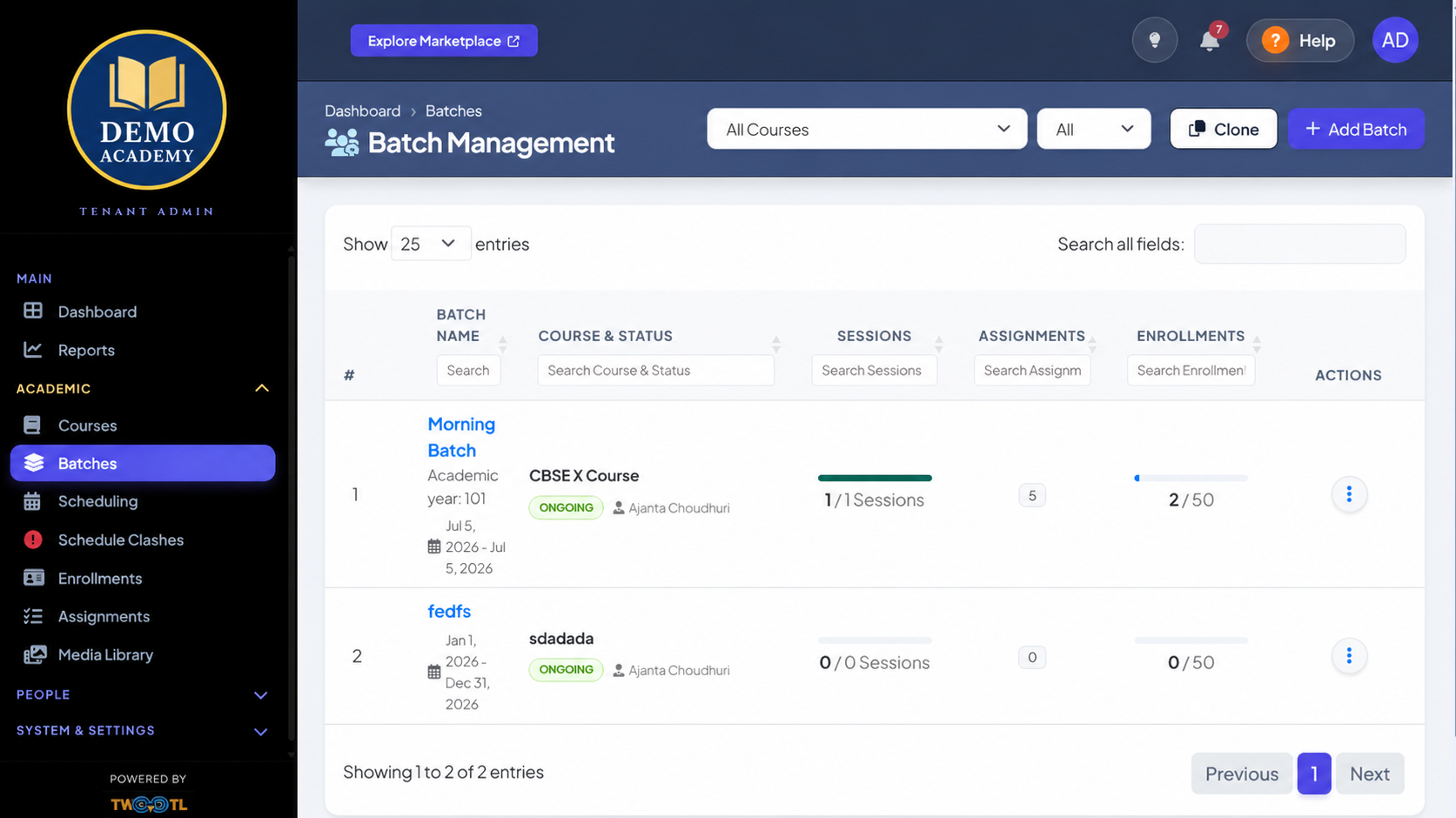
TWOOTL Batch Management screen with fictional Demo Academy branding
TWOOTL Batch Management screen with fictional demo tenant branding

What You Can Open and Manage in TWOOTL

The names and descriptions below follow the labels used in the application.

Batch Management

Filter by All Courses and status, Search all fields, Clone, or Add Batch. Review Course & Status, Sessions, Assignments, and Enrollments.

Session Management

Choose a Course & Batch to view its monthly calendar, manage session timings, coordinate with instructors, and use Add Session.

Scheduling Conflicts

Review Unresolved Clashes by Session Information, Instructor, Conflict Type, and Reason, then use Resolve.

Assignments

Choose a course and batch, review Assignment Information, Release Date, Due Date, Type, and Actions, or use Add Assignment.

Enrollments

Review enrollment counts directly in Batch Management and open Enrollments from the Academic navigation.

Attendance & Participation Breakdown

Learners filter All, Present, or Absent and review Session Details, Date & Time, Rule Applied, Hand Raised, Time Spent, and Status.

Work with the same screens shown here

Use Batch Management, Session Management, Scheduling Conflicts, Enrollments, and Assignments in TWOOTL.